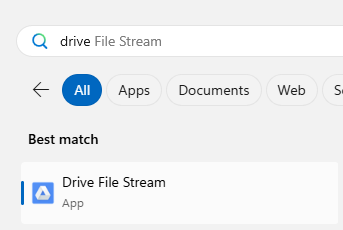
Step 1: type in on the search bar “drive file stream”
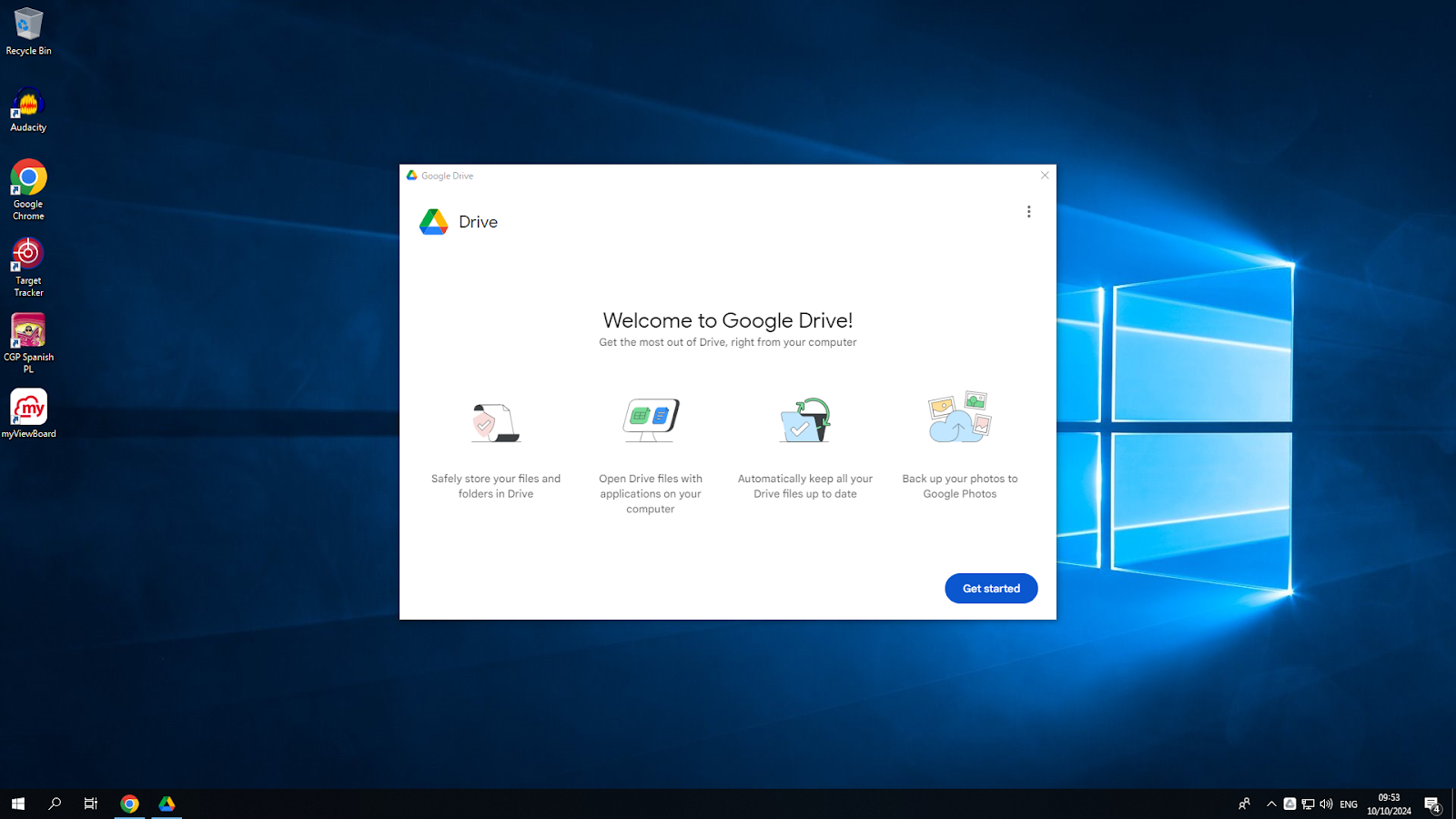
Step 2: Follow the pop ups and click on the get started prompt
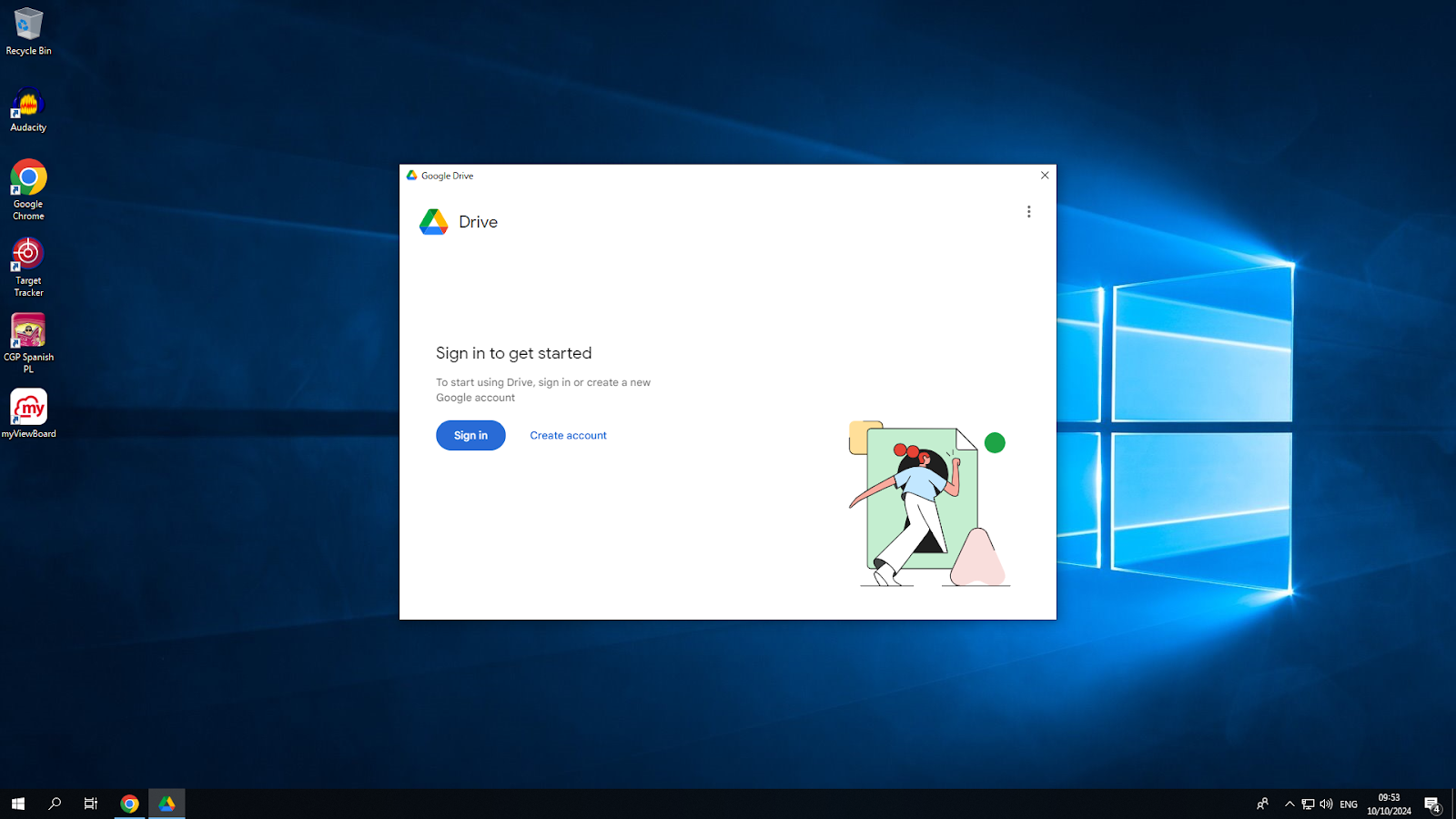
Step 3: Click on the sign in option and sign in with your google account (The account you use for google drive)
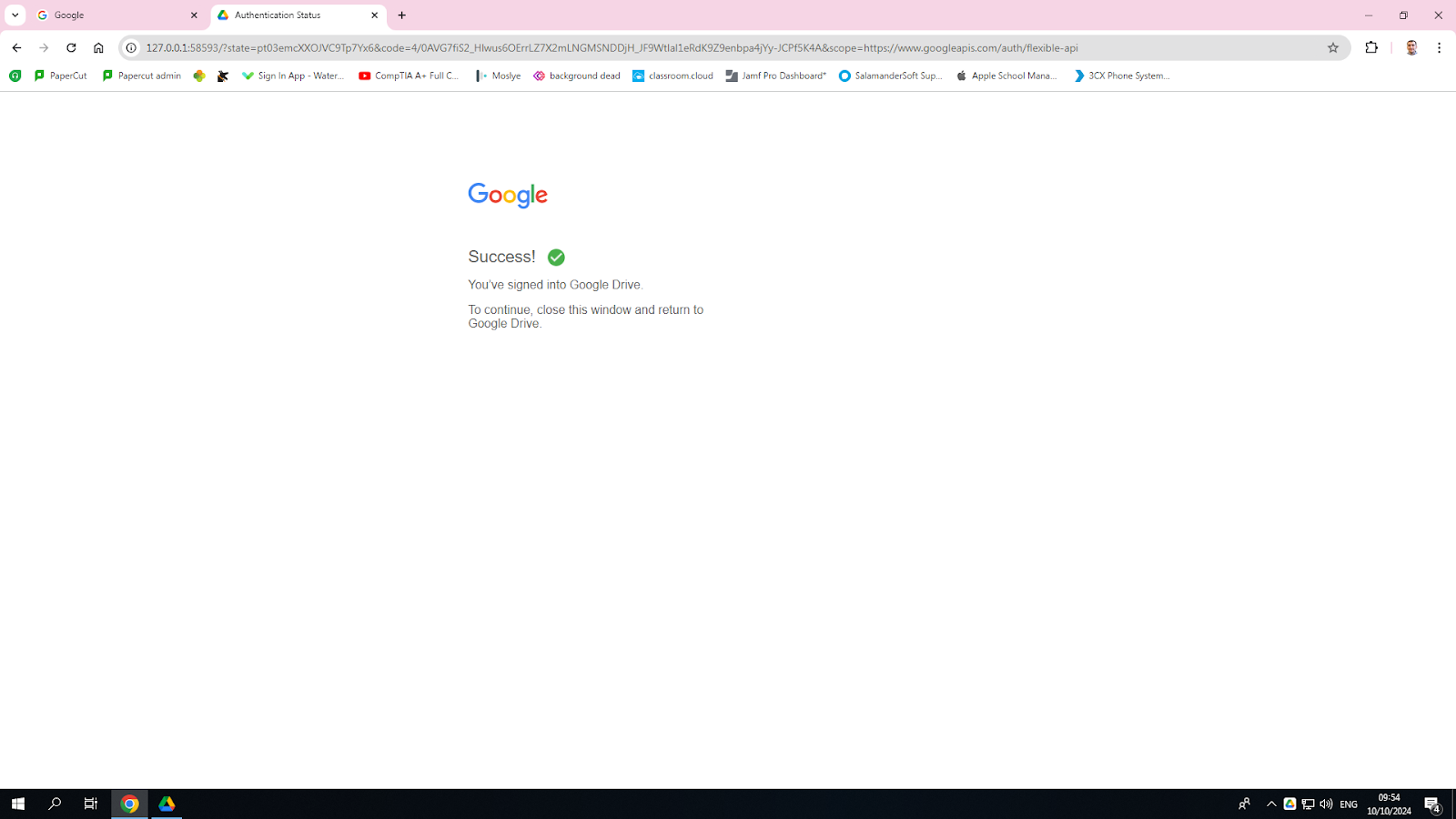
Step 4: Once you’ve signed in, you’ll have anew pop up saying you’ve signed in and just need to follow the prompts to have it accessed
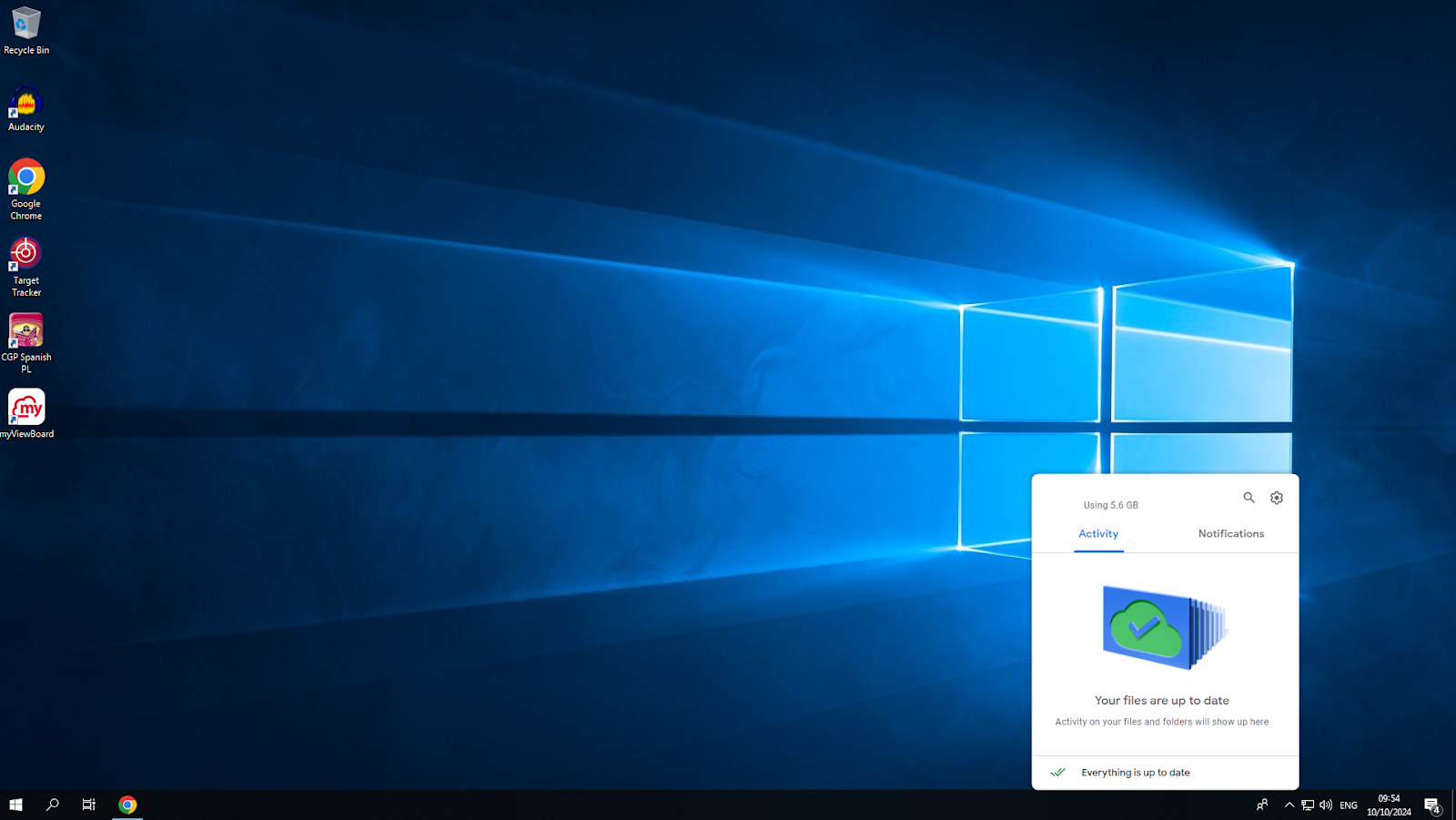
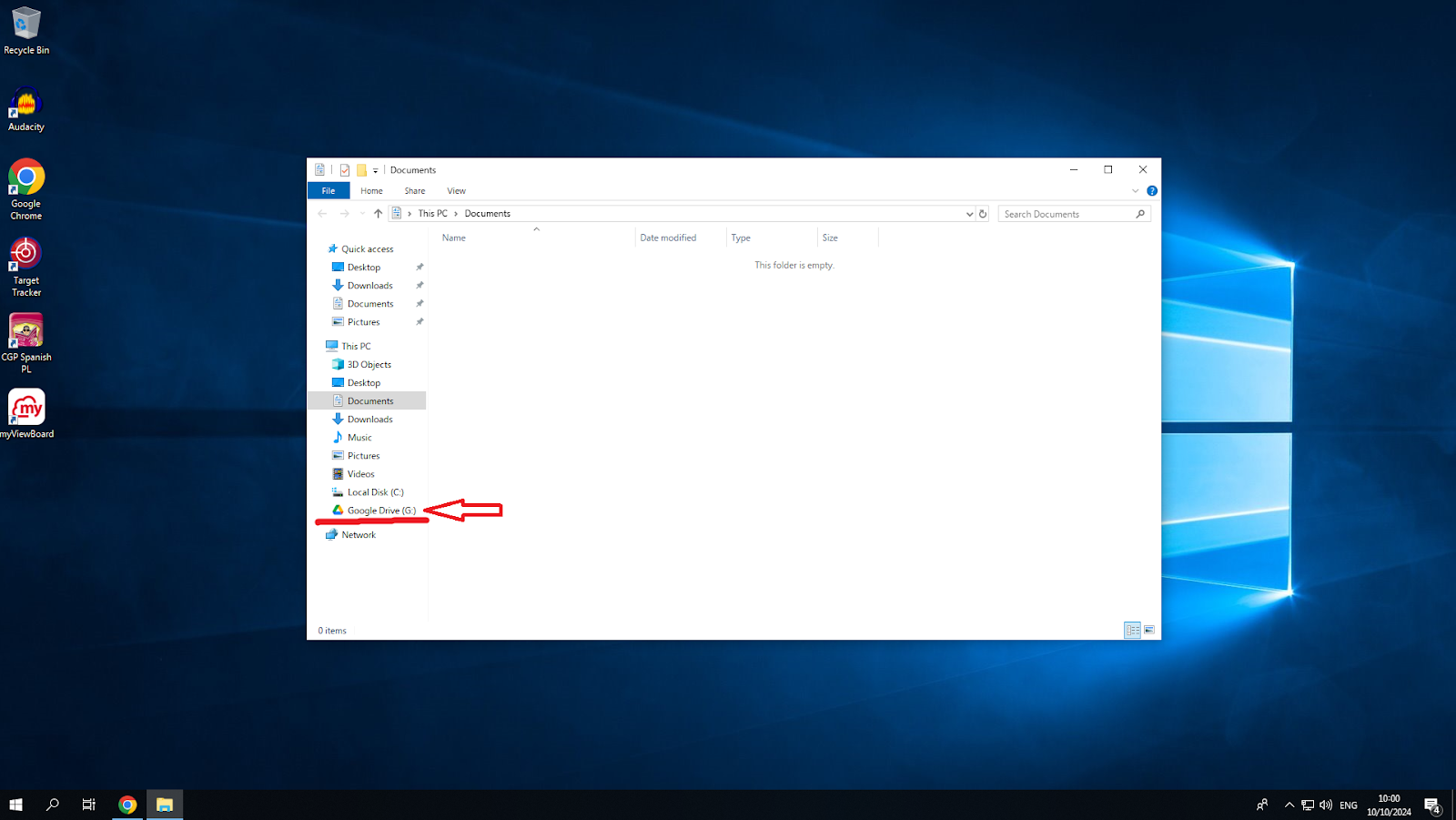
Step 5: You’ll know when this has finished if this window has popped up at the end of these steps, you have now set up drive file stream
You can now access google drive via file explorer now